Solo educator
Turn a short lesson into a narrated reel using a hook, three points, and supporting visuals.
A compact teaching video that works without a talking-head setup.
faceless reels for youtubeMobile video workflow
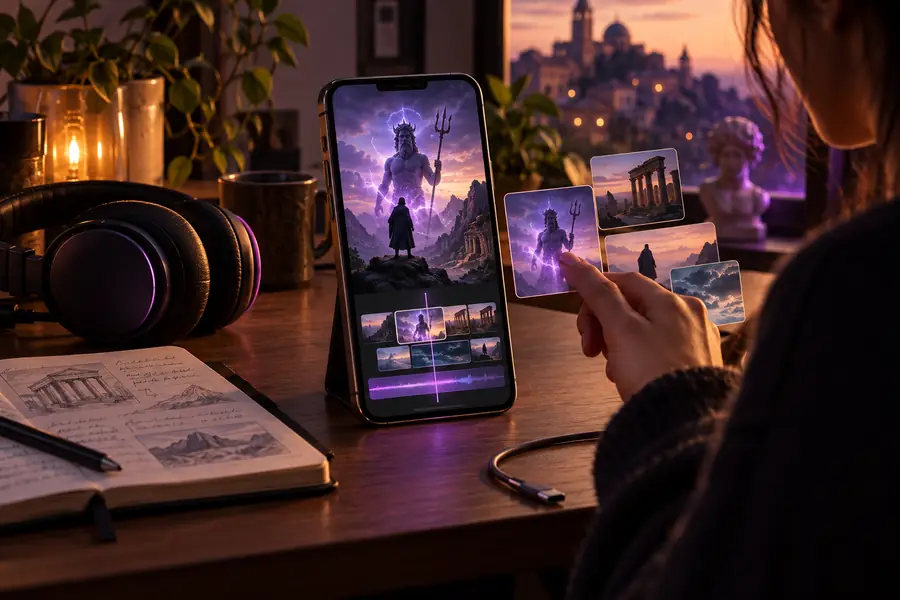
Faceless reels for Android are easier to manage when the workflow is designed around a phone screen. Start with a focused idea, build the visuals, add readable captions, and export a vertical video ready for posting.
Delivery targets
A useful Android workflow should reduce device friction without lowering the standard of the finished video.
Real use cases
Different creators need different levels of polish, but each workflow can stay simple enough to complete on an Android device.
Turn a short lesson into a narrated reel using a hook, three points, and supporting visuals.
A compact teaching video that works without a talking-head setup.
faceless reels for youtubeBuild a repeatable series around habits, motivation, or personal development from a phone.
Consistent episodes with a recognizable caption and pacing style.
faceless reels for iphoneExplain one product benefit with close-up imagery, text overlays, and a direct next step.
A useful promotional reel without filming staff or customers.
faceless reels for youtubeAdapt a strange history, mythology, or mystery script into a sequence of visual beats.
A narrative reel that keeps attention through scene changes and captions.
faceless reels for iphoneAndroid-ready standard
Use this comparison to separate a phone-friendly production from a rushed export that needs another editing pass.
Minimum viable reel
Topic appears after the first few seconds
Publish-ready reel
The promise or tension is clear immediately
Minimum viable reel
One broad idea with repeated wording
Publish-ready reel
One focused point with a clean beginning, middle, and end
Minimum viable reel
Unrelated clips repeated for convenience
Publish-ready reel
Visual changes support the narration and keep the frame active
Minimum viable reel
Small text, long lines, or inconsistent timing
Publish-ready reel
Large, high-contrast phrases timed to the spoken message
Minimum viable reel
Voiceover competes with music or has uneven volume
Publish-ready reel
Speech is clear, music stays subordinate, and pauses feel intentional
Minimum viable reel
Important details sit near the crop edges
Publish-ready reel
Subjects and text remain inside a safe vertical area
Minimum viable reel
Wrong aspect ratio or compressed-looking footage
Publish-ready reel
Vertical output is checked on the phone before posting
Minimum viable reel
Every reel starts from a different visual style
Publish-ready reel
Fonts, colors, pacing, and closing treatment feel consistent
Edit comparison
Most rework comes from treating a vertical phone edit like a desktop video. The before-and-after contrast shows where a small structural fix makes the largest difference.
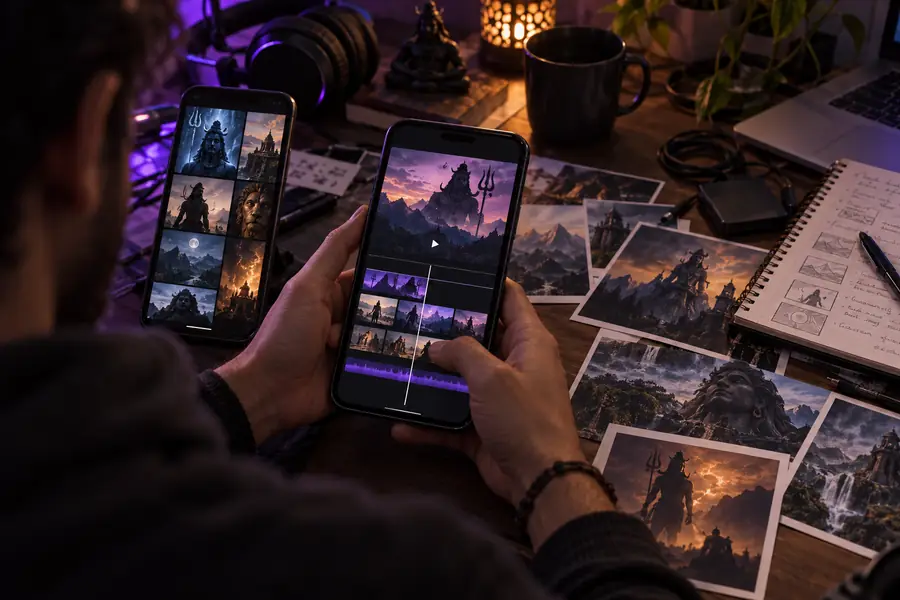
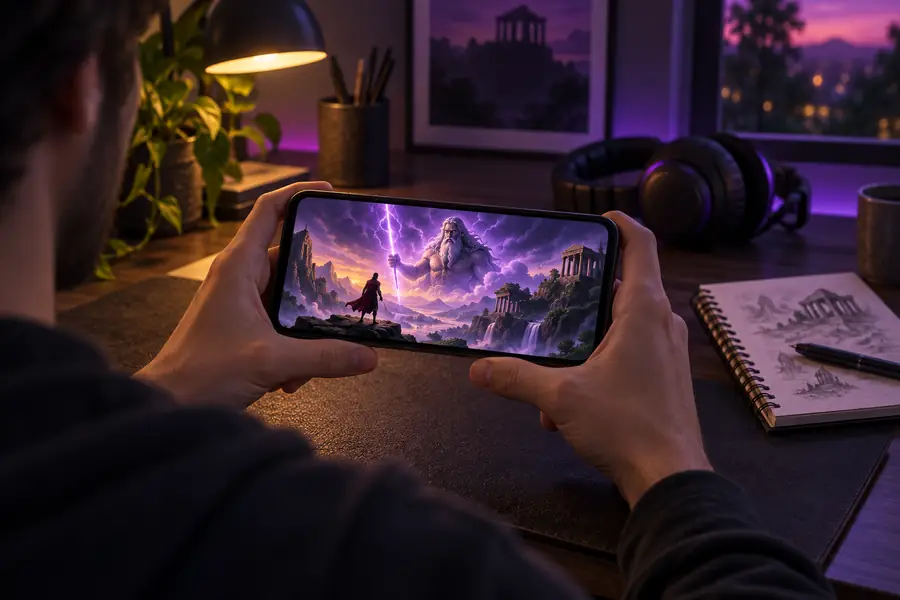
Check the reel at phone size before exporting. If the hook, captions, or subject cannot be understood on a small screen, revise those elements before adding more effects.
Continue planning
Plan the batch
Use a simple batch estimate before you begin. Adjust the number of reels and use the outputs to decide whether the project fits one editing session.
Android questions
Answers to common questions about planning and producing faceless reels on an Android phone.
Yes. You can plan the script, gather or generate visuals, record or add narration, place captions, and export a vertical video from an Android workflow. A phone is most practical when the script is short and the project uses a small number of visual layers.
Prioritize a clear hook, readable captions, and a voiceover that remains understandable on a small speaker. Fancy transitions matter less than keeping the message focused and checking the finished reel at phone size.
No. A faceless format can use stock footage, generated scenes, screen recordings, illustrations, product close-ups, or text-led animation instead. Choose visuals that reinforce the narration rather than simply filling the frame.
Create a reusable template with the same vertical canvas, caption position, font treatment, intro rhythm, and closing style. Then change the topic and supporting visuals while keeping the production structure familiar.