Choose one clear idea
Start with one promise, question, or story. Good faceless reels are easier to watch when the viewer understands the subject within the opening sentence. Write a short working title before selecting visuals.
Free creation guide
This guide shows how to use faceless reels for free, from choosing a repeatable idea to exporting a clean vertical video. You can follow the process with basic tools, stock visuals, captions, and a voiceover or text-only format.
The core workflow
The most reliable faceless reels begin with a narrow idea and finish with a deliberate review. Use these steps in order instead of trying to edit everything at once.
Start with one promise, question, or story. Good faceless reels are easier to watch when the viewer understands the subject within the opening sentence. Write a short working title before selecting visuals.
Match each sentence with a useful visual: stock footage, an illustration, a screen recording, a simple motion graphic, or a close-up detail. Keep the sequence moving, but do not add clips that do not support the narration.
Record or generate a clear voiceover, then add readable captions with strong contrast. Review the timing so the words appear as they are spoken and the background audio stays underneath the message.
Watch the complete reel without pausing. Remove slow openings, repeated points, awkward cuts, and captions that sit too close to the edges. Export in a vertical format before publishing.
Before you begin
You do not need a camera setup or advanced editing experience. Prepare the few essentials below so the creation session stays focused and free of avoidable delays.
Avoid starting with a broad subject such as “business” or “fitness.”
Aim for one idea and a strong first sentence.
Use your own assets or check the license for stock media.
The reel still needs a clear way to deliver its message.
Keep important text away from platform controls.
You can complete the draft before deciding where to post it.
Keep learning
These related guides cover the next questions creators usually have after trying a first workflow.
Format evolution
Faceless reels combine older storytelling habits with newer editing conveniences. Understanding that progression helps you choose a process rather than chase every new feature.
Creators already used narration, slides, screen recordings, product close-ups, and animated text to explain ideas without appearing on camera. The principle was simple: the story and visuals carry the attention.
Mobile-first platforms made brief vertical clips a normal way to consume information and entertainment. Strong openings, concise scripts, and readable text became more important than traditional long-form introductions.
More creators built workflows around screen capture, stock media, remote voiceover, templates, and lightweight editing. A single person could plan, produce, and publish a complete short video from home.
Captioning, voice tools, background removal, resizing, and template systems made routine production faster. The creative decisions still mattered: topic selection, pacing, visual relevance, and fact checking could not be delegated entirely.
The strongest faceless reels workflows use a small set of formats that can be improved over time. Creators can experiment with hooks, narration styles, and visual treatments while keeping the production steps consistent.
See the difference
A small editorial change can make an otherwise usable reel feel much more intentional.

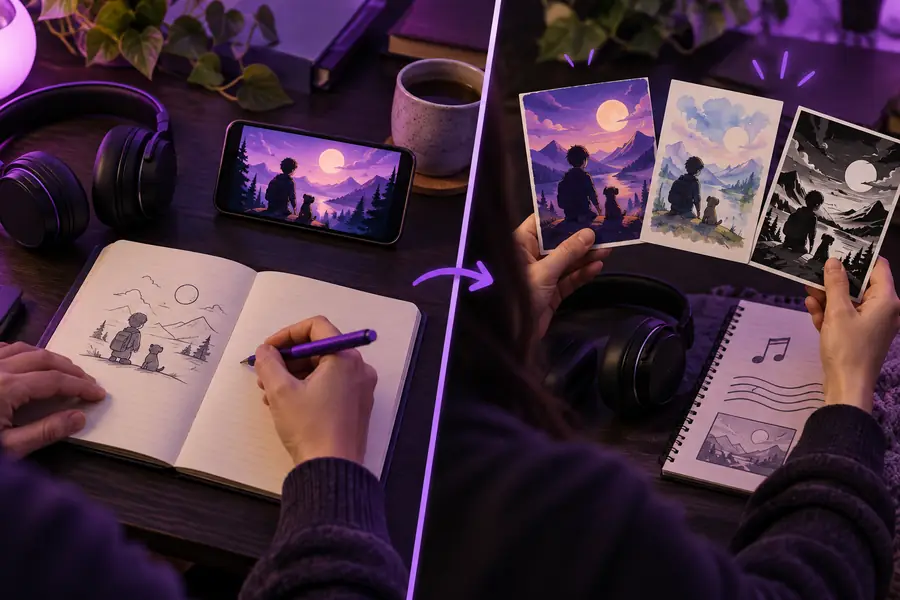
The refined version uses one visual idea per beat, shorter caption lines, and a stronger opening. The goal is not to add more effects; it is to reduce anything that competes with the message.
Set expectations
A free workflow can be useful, but it does not remove the need for judgment, rights checks, or consistent publishing.
No tool or editing style can promise views, followers, or distribution. Platform recommendations depend on audience response, topic fit, retention, and many changing signals.
WorkaroundTest several hooks around the same subject and compare watch behavior instead of judging one upload in isolation.
Templates and automation can assemble faceless reels, but generic scripts and recycled angles often feel interchangeable. A polished surface cannot rescue a weak or unclear idea.
WorkaroundAdd a specific point of view, example, comparison, or useful takeaway that your intended audience can recognize as relevant.
A free download is not automatically free to reuse. Music, footage, images, logos, and synthetic voices may have separate conditions or attribution requirements.
WorkaroundUse assets with clear reuse terms, save license notes, and replace anything whose origin or permission is uncertain.
Captions can be generated and clips can be arranged, yet a reel may still drag because the opening is slow or the visuals do not change when the idea changes.
WorkaroundWatch once with sound off and once with your eyes away from the captions. Mark every moment that feels confusing, empty, or repetitive, then tighten it.
Quick answers
Use these answers as a final check before you create your first free draft.
Choose a focused topic, write a short script, gather reusable vertical visuals, and combine them with captions and narration or text. A free workflow works best when you keep the format simple and spend your time improving the idea and pacing rather than adding effects.
No. You can use voiceover, captions, screen recordings, illustrations, stock footage, hands-only demonstrations, or close-up product shots. The reel still needs a clear point of view and visuals that directly support what the viewer is hearing or reading.
Start with a topic you understand and turn one useful point into a short story or explanation. Examples include a quick tutorial, a myth-and-fact format, a short history detail, a checklist, or a narrated demonstration.
Yes, if the basics are consistent: a strong opening, clean audio, readable captions, relevant visuals, and purposeful cuts. Free tools may limit certain assets or exports, but thoughtful scripting and editing usually matter more than premium effects.
Use only as much time as the idea needs. A concise reel with one complete thought is easier to finish and review than a longer clip packed with several unrelated points. Remove pauses and repeated wording before adding more content.
Review retention or audience response when the platform provides it, then change one variable at a time. Compare different openings, caption lengths, visual changes, or narration speeds so you can identify which adjustment improves clarity and attention.