History educator
You have a list of historical facts but no interest in appearing on camera for every upload.
Turn each fact into a narrated visual sequence with a hook, clear pacing, and a closing prompt for viewers.
faceless reels generatorYouTube short-form
Faceless reels for YouTube give creators a way to publish useful short videos without appearing on camera. Start with an idea, shape the message, and prepare a channel-ready vertical cut.
Related guides
The best faceless reels workflow depends on where you create, edit, and publish. These related guides cover common device and tool choices.
Audience scenarios
A channel can have strong ideas and still stall when every short requires filming, editing, captioning, and repurposing from scratch.
You have a list of historical facts but no interest in appearing on camera for every upload.
Turn each fact into a narrated visual sequence with a hook, clear pacing, and a closing prompt for viewers.
faceless reels generatorYou want to answer recurring customer questions on YouTube without spending an afternoon recording each one.
Build concise explainer shorts around one question at a time, using brand colors, captions, and a consistent voice.
faceless reels for iphoneYour scripts are ready, but sourcing footage and matching visuals to every line keeps delaying publication.
Create a repeatable sequence of atmospheric visuals, narration, and on-screen text that supports the story.
faceless reels aiSeveral contributors submit ideas, but the channel lacks a shared structure for turning them into YouTube videos.
Use one brief format for hooks, scenes, narration, captions, and review so each contributor works to the same standard.
faceless reels for androidWorkflow comparison
Each route can support faceless reels for YouTube, but the right choice depends on how much control you want over the script, media, and final edit.
AI-assisted draft
One topic, angle, or written prompt
Manual assembly
A prepared script and media folder
AI-assisted draft
Generate an outline, hook, and concise narration draft
Manual assembly
Write and revise every line before editing
AI-assisted draft
Match suggested scenes or generated visual directions to the script
Manual assembly
Select, download, and arrange footage yourself
AI-assisted draft
Create a narration draft with timed caption guidance
Manual assembly
Record or source audio, then time captions manually
AI-assisted draft
Review the assembled sequence and adjust key moments
Manual assembly
Control every cut, transition, layer, and audio level
AI-assisted draft
Frequent educational, storytelling, or commentary batches
Manual assembly
Highly specific brand edits or footage-led channels
AI-assisted draft
Requires fact-checking and a final creative review
Manual assembly
Takes longer when every short starts from a blank timeline
Production flow
A reliable YouTube workflow keeps the creative brief small enough to repeat while leaving room for a human review before publication.
Write the topic, audience, opening claim, and one takeaway. A narrow promise keeps a short focused instead of cramming several ideas into one video.
Shape the script into a hook, a few visual beats, narration, and readable captions. Keep each scene tied to the point being made.
Check facts, pronunciation, captions, visuals, music, and the final title before exporting the vertical video for your YouTube channel.
Batch planner
Use the slider to estimate a simple production batch. The figures are planning estimates, not promises about platform reach or revenue.
Output targets
A strong short is not only a visual file. It is a clear package that makes review, publishing, and future repurposing easier.
Quality review
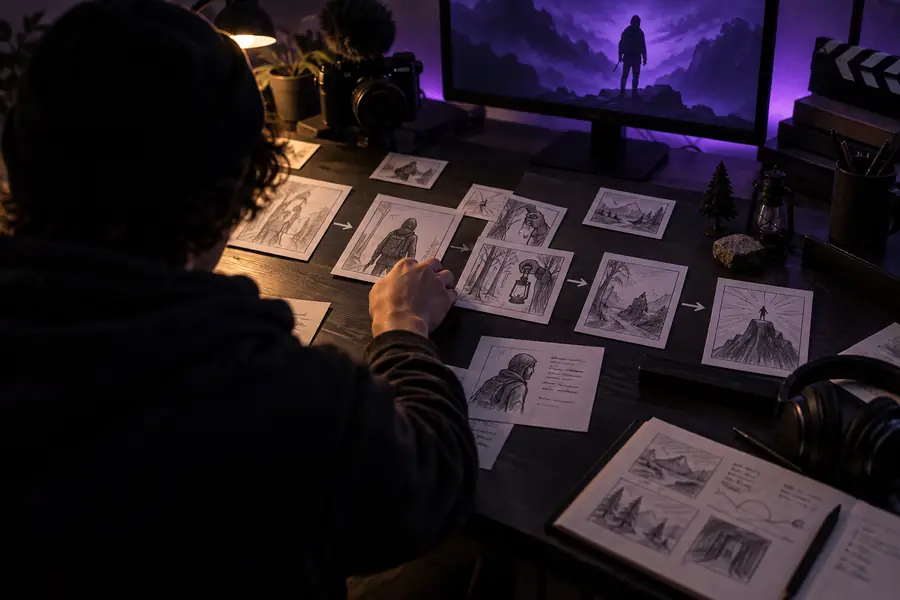

The transformation is only useful when the final video is accurate, original, and easy to understand.
YouTube questions
They are short, vertical videos made for YouTube without requiring the creator to appear on camera. The format can combine a script, narration, stock or generated visuals, captions, and music into one focused short.
Yes, a vertical short-form video can be prepared for a YouTube channel as long as it follows the platform’s current rules and your channel’s audience expectations. Review the final video for accuracy, rights, originality, captions, and audio before publishing.
Start with one viewer promise, write a concise script, choose visuals that support each line, add narration and captions, then review the finished sequence. A repeatable brief makes it easier to produce several related videos without losing consistency.
They can suit channels built around education, stories, commentary, facts, tutorials, and other topics that do not depend on an on-camera host. The strongest results come from a clear point of view, useful information, and enough human review to keep each short relevant and trustworthy.