Turn a topic into a scene plan
Enter a subject, hook, or story angle and get a practical sequence for a short faceless reels video.
Create without camera
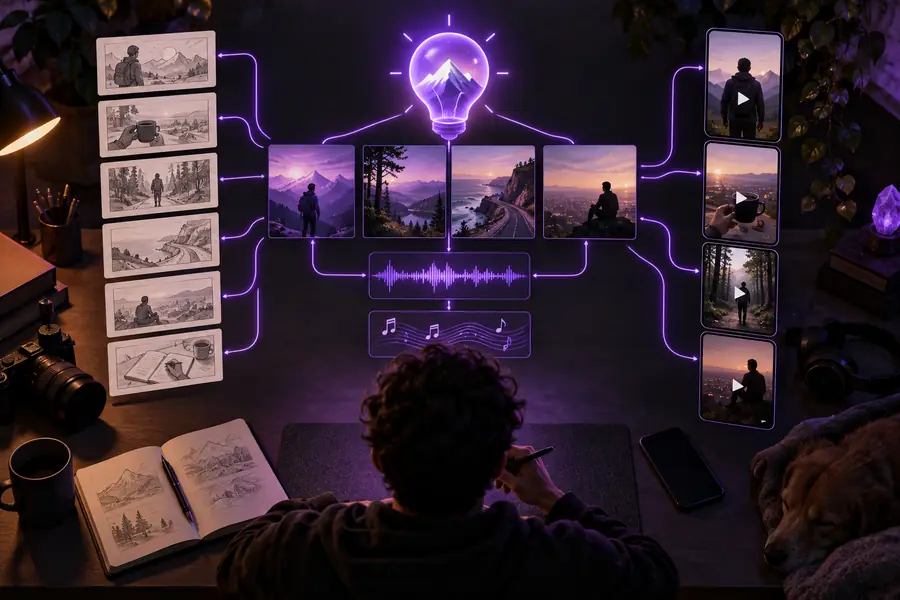
A faceless reels generator turns a topic, story, or teaching point into a short-form video plan with visuals, narration, captions, and pacing. Describe what you want, then refine the draft before sharing it.
The generator is focused on one repeatable job: shaping an idea into a faceless short. These simple building blocks keep the workflow clear without requiring a camera setup.
A focused generator should remove the repetitive parts of faceless reels production while leaving room for your subject, tone, and final edit.
Enter a subject, hook, or story angle and get a practical sequence for a short faceless reels video.
Describe the mood, imagery, and pacing so the draft feels intentional instead of like a collection of unrelated clips.
Use the suggested narration and captions as a starting point, then adjust wording, timing, and emphasis before posting.
Different creators use a generator for different reasons. Pick a starting point that matches the channel, topic, and amount of editing you want to do yourself.
You have a strong topic but do not want to appear on camera. Start with faceless reels online to turn the idea into a visual short.
You get a defined hook, sequence, and caption direction before opening an editor.
faceless reels onlineYou want help repeating a consistent format across several topics. Use faceless reels ai as a way to explore prompt-led production.
You can compare different concepts while keeping the same tone and structure.
faceless reels aiYou teach a quick concept and need a visual explanation that works without a talking head. Browse faceless reels examples for Instagram for format ideas.
You can turn a lesson into a concise sequence with a stronger opening and clearer takeaway.
faceless reels examples for InstagramYou already have longer videos or scripts and want short companion clips. See faceless reels for YouTube for channel-focused planning ideas.
You can adapt a larger subject into a focused vertical cut with one clear point.
faceless reels for YouTubeUse these related guides to decide where your faceless reels should live, how they should look, and which production approach fits your workflow.
Use this slider as a planning estimate, not a promise of exact rendering time or file size. It shows how a small batch of faceless reels can add up when one repeatable format is doing the heavy lifting.
The difference is not that one workflow is always better. A focused generator is useful when you want a fast first structure; a general workflow gives you more control over every production decision.
Facelessreelsai generator
A topic, prompt, or short creative brief
General faceless reels workflow
Research, script, assets, edit, and captions handled separately
Facelessreelsai generator
Set the mood and scene approach in the brief
General faceless reels workflow
Choose or create each visual asset manually
Facelessreelsai generator
Drafted around the intended short-form sequence
General faceless reels workflow
Written and timed as a separate production step
Facelessreelsai generator
Built into the concept for quick review
General faceless reels workflow
Added during editing or in a separate caption tool
Facelessreelsai generator
Best for steering the concept and revising the draft
General faceless reels workflow
Best for controlling every cut, layer, and effect
Facelessreelsai generator
Reuse a prompt pattern for related faceless reels
General faceless reels workflow
Rebuild the workflow unless you maintain your own template
Facelessreelsai generator
Fast ideation and structured first drafts
General faceless reels workflow
Detailed post-production and highly specific edits
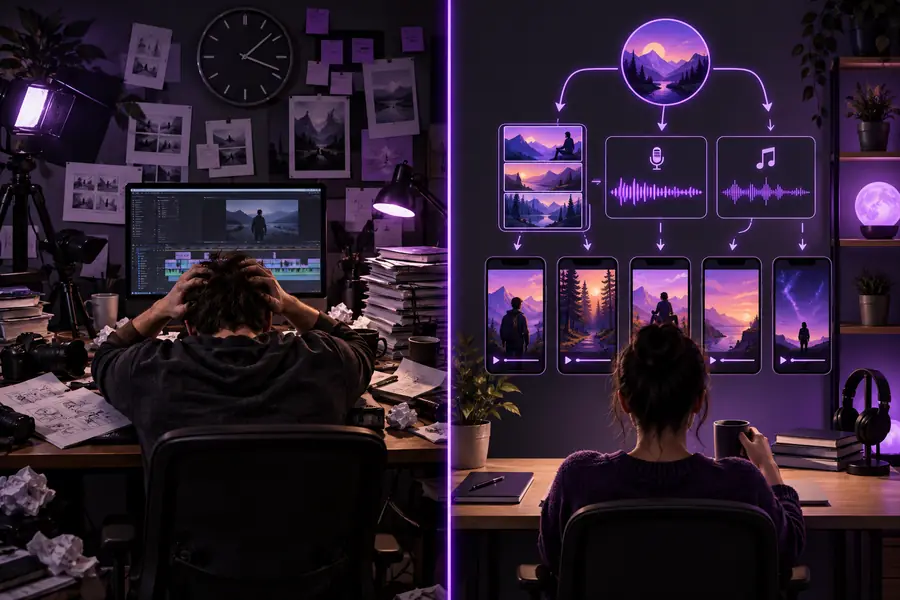
Answers to the questions people usually ask when comparing a focused generator with a fully manual video workflow.
A faceless reels generator helps turn a topic or creative brief into a short video structure without requiring you to appear on camera. It can organize the hook, visual direction, narration, and captions into a starting draft.
You describe the subject, style, and intended outcome in a prompt. The generator then proposes a sequence that you can review, edit, and adapt for your chosen channel.
Yes. The workflow is designed around visual subjects, illustrations, screen-based footage, stock-style scenes, or other imagery instead of an on-camera presenter.
You can guide the topic, tone, visual mood, pacing, narration style, and caption emphasis. The more specific your brief is, the easier it is to revise the draft toward your intended audience.
They are best treated as structured drafts rather than a substitute for review. Check factual claims, voice, captions, visual rights, timing, and platform requirements before publishing.